Mozaiks




Mozaiks is open source. BlocUnited offers the managed product at mozaiks.ai, but you can self-host the framework and run the builder locally.
Public PyPI and GitHub releases are not published yet. Install from a local checkout instead.
What is Mozaiks?
Mozaiks is an open-source AI app factory for building, running, and iterating on AI-native software products.
It brings together three things that usually live in separate tools:
- Mozaiks Studio for creating apps, continuing builds, and managing them.
- AI workflow orchestration powered by AG2 for planning, tool use, human review, and generation.
- Generated app files with modules, pages, workflows, config, and brand assets that Mozaiks validates before making active.
The goal is not to generate a throwaway demo. Mozaiks stages production-shaped artifacts, validates them against strict contracts, and keeps runtime concerns separate from builder workflows.
See It In Action
Embeddable Floating Widget
Drop a floating assistant anywhere in your app
Dual-Mode Interface
| Workflow Mode | Ask Mode |
|---|---|
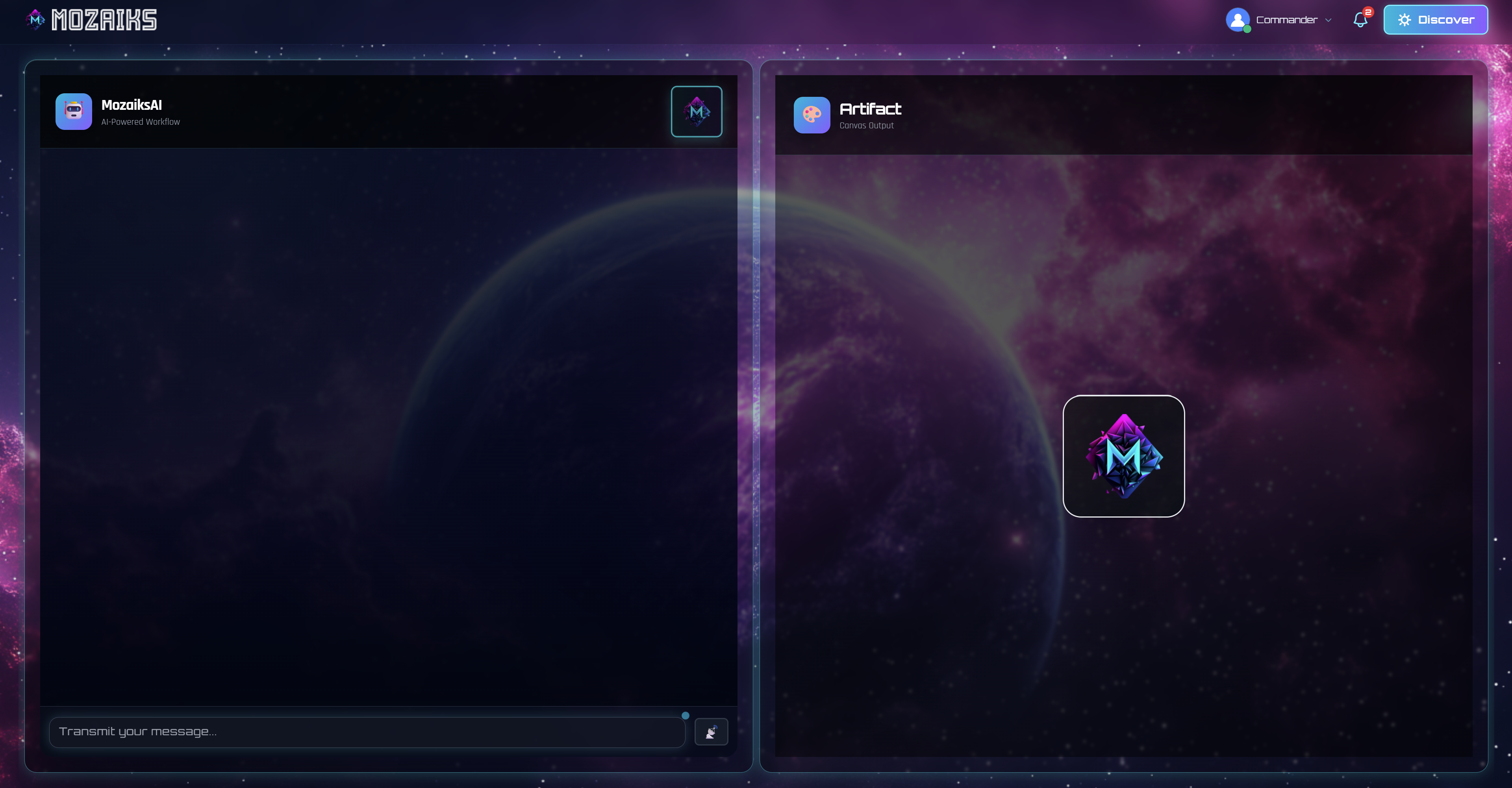 | 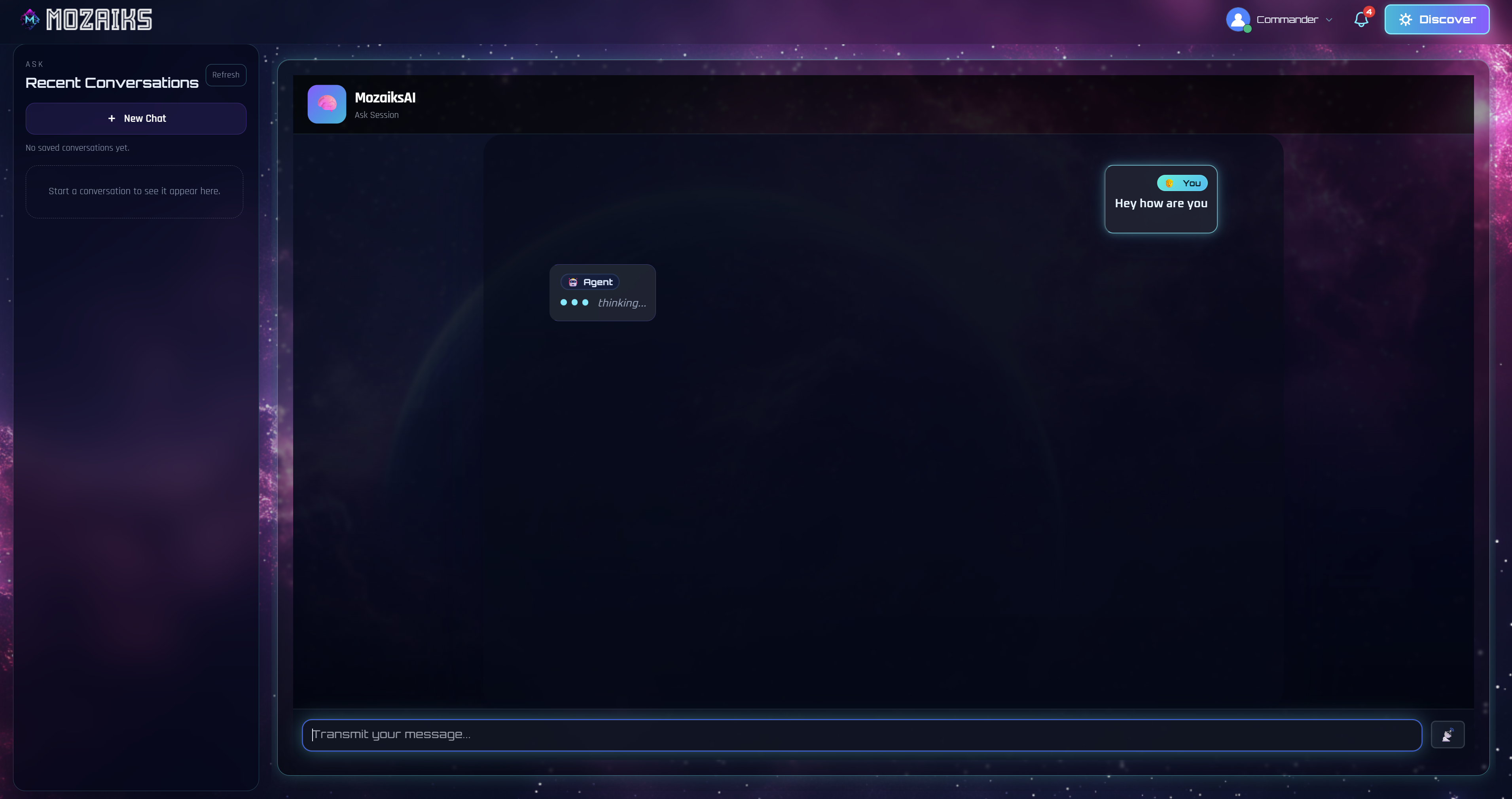 |
| Chat + Artifact split view | Full chat with history sidebar |
Get Started
-
Build Your First App
Install Mozaiks, open Studio, and create your first app in minutes.
-
Key Concepts
Workspaces, apps, modules, workflows, pages — the mental model in one page.
-
Add a Workflow
Extend an app with a custom AI workflow.
-
Use Studio
Learn the workspace and app-dashboard surfaces.
-
Add a Module
Add a self-contained backend capability to your app.
-
Add a Page
Add new pages and routes to your app workspace.
-
Customize Branding
Change themes, navigation, and shell behavior.
-
Self-Hosting
Run Mozaiks on your own server — Docker, Docker Compose, or Kubernetes.
-
Use AI Coding Agents
Hand a task to Claude Code, Cursor, or Copilot with full Mozaiks repo context.